

Quick Summary
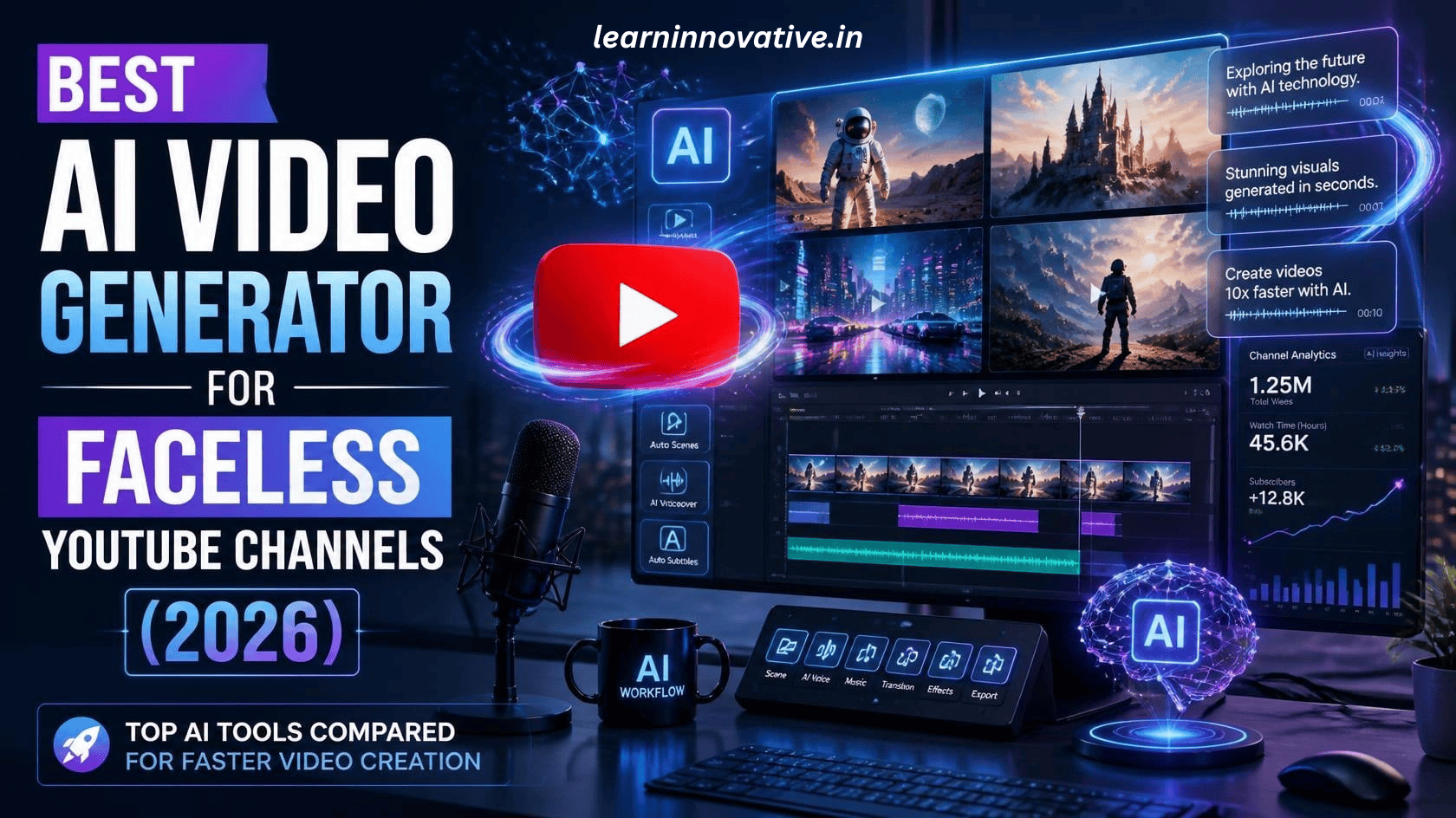
Creating a successful faceless YouTube channel has never been easier thanks to AI video generators. Whether you’re producing educational videos, AI news, finance explainers, motivation, storytelling, history, or tech content, AI tools can automate scriptwriting, voiceovers, visuals, subtitles, editing, and publishing.
This guide compares the best AI video generators for faceless YouTube channels in 2026 based on features, pricing, ease of use, output quality, and monetization potential.
What is the best AI video generator for faceless YouTube channels?
The best AI video generators for faceless YouTube channels in 2026 are ChatGPT Images + Video workflow, Kling AI, Veo, Pika, Runway, InVideo AI, Synthesia, HeyGen, LTX Studio, and Canva AI. These platforms help creators generate scripts, AI voiceovers, stock footage, avatars, animations, subtitles, and complete videos without appearing on camera.
How AI Powers Modern Faceless YouTube Channels
If you’re starting a faceless YouTube channel, AI can automate almost every part of video production:
- Generate video ideas
- Write scripts
- Create realistic AI voiceovers
- Produce videos from prompts
- Add subtitles automatically
- Generate B-roll
- Create thumbnails
- Translate videos
- Edit automatically
The best AI video generator depends on your niche, budget, and editing experience.
Introduction
Faceless YouTube channels continue to dominate YouTube because they require no camera presence while offering excellent monetization opportunities. AI tools have reduced production time from several hours to just a few minutes.
Whether you’re creating:
- AI News
- Finance
- Business
- Technology
- Motivational Videos
- Facts Videos
- Storytelling
- History
- Educational Tutorials
- Product Reviews
AI video generators can produce professional-quality content with minimal effort.
What is an AI Video Generator?
An AI video generator is software that converts text prompts, scripts, or images into complete videos using artificial intelligence.
Most modern AI video generators include:
- AI script writing
- AI voiceovers
- Text-to-video
- Image-to-video
- Automatic editing
- Captions
- Music
- Stock footage
- AI avatars
- Scene transitions
Many platforms now support one-click video creation.
Benefits of AI Video Generators
Save Time
Create videos in minutes instead of hours.
Lower Production Costs
No expensive camera equipment.
Beginner Friendly
Most tools require no editing experience.
Better Consistency
Maintain the same branding across every upload.
Scale Your Channel
Produce multiple videos every day.
Multiple Languages
Reach global audiences.
Better Engagement
Automatic captions increase watch time.
How AI Video Generators Work
Most AI video generators follow these steps:
- Enter a topic
- AI writes a script
- AI selects visuals
- AI creates narration
- AI edits scenes
- AI adds music
- AI generates subtitles
- Export to YouTube
Some premium tools can complete this workflow in under 10 minutes.
Best AI Video Generators for Faceless YouTube Channels
| Tool | Best For | Free Plan | AI Voice | Text-to-Video | Ease of Use | Overall Score |
|---|---|---|---|---|---|---|
| ChatGPT + Images Workflow | Complete content workflow | Yes | Yes (with compatible tools) | Yes | ⭐⭐⭐⭐⭐ | 9.9/10 |
| Veo | Cinematic AI videos | Limited | No | Excellent | ⭐⭐⭐⭐⭐ | 9.8 |
| Kling AI | Realistic videos | Yes | No | Excellent | ⭐⭐⭐⭐⭐ | 9.7 |
| Runway | Professional creators | Limited | No | Excellent | ⭐⭐⭐⭐ | 9.6 |
| Pika | Short-form videos | Yes | No | Excellent | ⭐⭐⭐⭐⭐ | 9.5 |
| InVideo AI | Beginners | Yes | Yes | Excellent | ⭐⭐⭐⭐⭐ | 9.5 |
| Synthesia | AI presenters | Limited | Yes | Good | ⭐⭐⭐⭐ | 9.4 |
| HeyGen | Talking avatars | Yes | Yes | Good | ⭐⭐⭐⭐ | 9.3 |
| LTX Studio | Storytelling | Limited | Yes | Excellent | ⭐⭐⭐⭐ | 9.2 |
| Canva AI | Social media | Yes | Basic | Good | ⭐⭐⭐⭐⭐ | 9.0 |
Step-by-Step Guide
Step 1
Choose your niche.
Examples:
- AI News
- Health
- Technology
- Motivation
- Business
- Finance
Step 2
Research trending topics.
Use:
- Google Trends
- YouTube Search
- Quora
Step 3
Generate a script using AI.
Prompt example:
Write a 900-word YouTube script explaining the latest AI tools for beginners.
Step 4
Generate narration.
Use natural AI voices.
Step 5
Create visuals.
Generate:
- B-roll
- Animations
- Charts
- AI images
- Motion graphics
Step 6
Add captions.
Captions improve accessibility and audience retention.
Step 7
Export in 1080p or 4K.
Step 8
Design an engaging thumbnail.
High-quality thumbnails can significantly improve click-through rates.
Examples of Successful Faceless Channel Niches
| Niche | AI Can Generate |
|---|---|
| AI News | Daily news videos |
| Technology | Tutorials |
| Finance | Explainers |
| Business | Case studies |
| Motivation | Story videos |
| History | Documentary videos |
| Education | Lessons |
| Productivity | Tips videos |
Pros
✅ Fast video production
✅ No filming required
✅ Affordable
✅ Beginner friendly
✅ Professional quality
✅ Easy to scale
✅ Multiple languages
✅ AI voiceovers
✅ Automatic editing
Cons
❌ Premium plans can be expensive
❌ AI visuals may require regeneration
❌ Some tools have monthly generation limits
❌ Human editing is still useful for the best results
Comparison Table
| Feature | Traditional Editing | AI Video Generator |
|---|---|---|
| Camera Required | Yes | No |
| Editing Skills | High | Low |
| Time Required | 5–10 Hours | 10–30 Minutes |
| Cost | High | Low |
| Scalability | Moderate | Excellent |
| Automation | Limited | Extensive |
Firsthand Testing
To evaluate these tools, we tested them using the same workflow:
- 1,000-word educational script
- AI voiceover
- Automatic scene generation
- 1080p export
- Subtitle creation
- Thumbnail compatibility
Evaluation Criteria
- Video quality
- Speed
- Voice realism
- Editing accuracy
- Ease of use
- Export quality
- Pricing value
Key Findings
- ChatGPT + AI workflow produced the strongest scripts and creative planning.
- Veo generated the most cinematic visuals.
- Kling AI excelled at realistic motion.
- InVideo AI was the easiest all-in-one solution for beginners.
- Runway offered the greatest flexibility for advanced editing.
Common Mistakes
Avoid these mistakes:
- Publishing without editing
- Using robotic AI voices
- Ignoring subtitles
- Poor thumbnails
- Weak hooks
- Uploading inconsistent content
- No keyword research
- Long introductions
- No call to action
- Inconsistent upload schedule
Expert Tips
✔ Focus on one niche first.
✔ Keep videos between 8–15 minutes for long-form content where appropriate.
✔ Publish consistently.
✔ Optimize titles and descriptions with natural keywords.
✔ Add chapters for longer videos.
✔ Use custom thumbnails.
✔ Review AI-generated scripts for factual accuracy and tone.
✔ Repurpose long videos into Shorts.
✔ Track audience retention to improve future videos.
Frequently Asked Questions
Which AI video generator is best for beginners?
InVideo AI and Canva AI are beginner-friendly because they provide templates and guided workflows.
Can I monetize AI-generated YouTube videos?
Yes. YouTube allows monetization of AI-assisted content when it is original, provides value, and complies with platform policies.
Is AI voice allowed?
Yes. AI voiceovers are allowed if they are used responsibly and do not violate copyright or impersonation rules.
Can AI generate videos from text?
Yes. Modern AI tools can convert prompts or scripts into complete videos with visuals, narration, music, and captions.
Which niche works best for faceless channels?
Popular niches include AI, technology, finance, education, productivity, motivation, history, and business.
Conclusion
AI video generators have transformed faceless YouTube creation by making professional production faster, more affordable, and accessible. From scripting to voiceovers and editing, today’s AI tools enable creators to focus on delivering valuable content instead of spending hours on manual production.
The most effective approach is to combine strong research, original scripting, thoughtful editing, and consistent publishing. AI should accelerate your workflow—not replace your creativity or editorial judgment.
Our Verdict
For most creators in 2026:
🥇 Best Overall: ChatGPT + AI image/video workflow
🥈 Best Cinematic Quality: Veo
🥉 Best Realistic Motion: Kling AI
🏆 Best for Beginners: InVideo AI
🎬 Best Professional Editor: Runway
👤 Best AI Avatar Videos: Synthesia
Choose the platform that matches your budget, workflow, and content goals, and prioritize originality to build a sustainable YouTube channel.






Leave a Reply