

Quick Summary
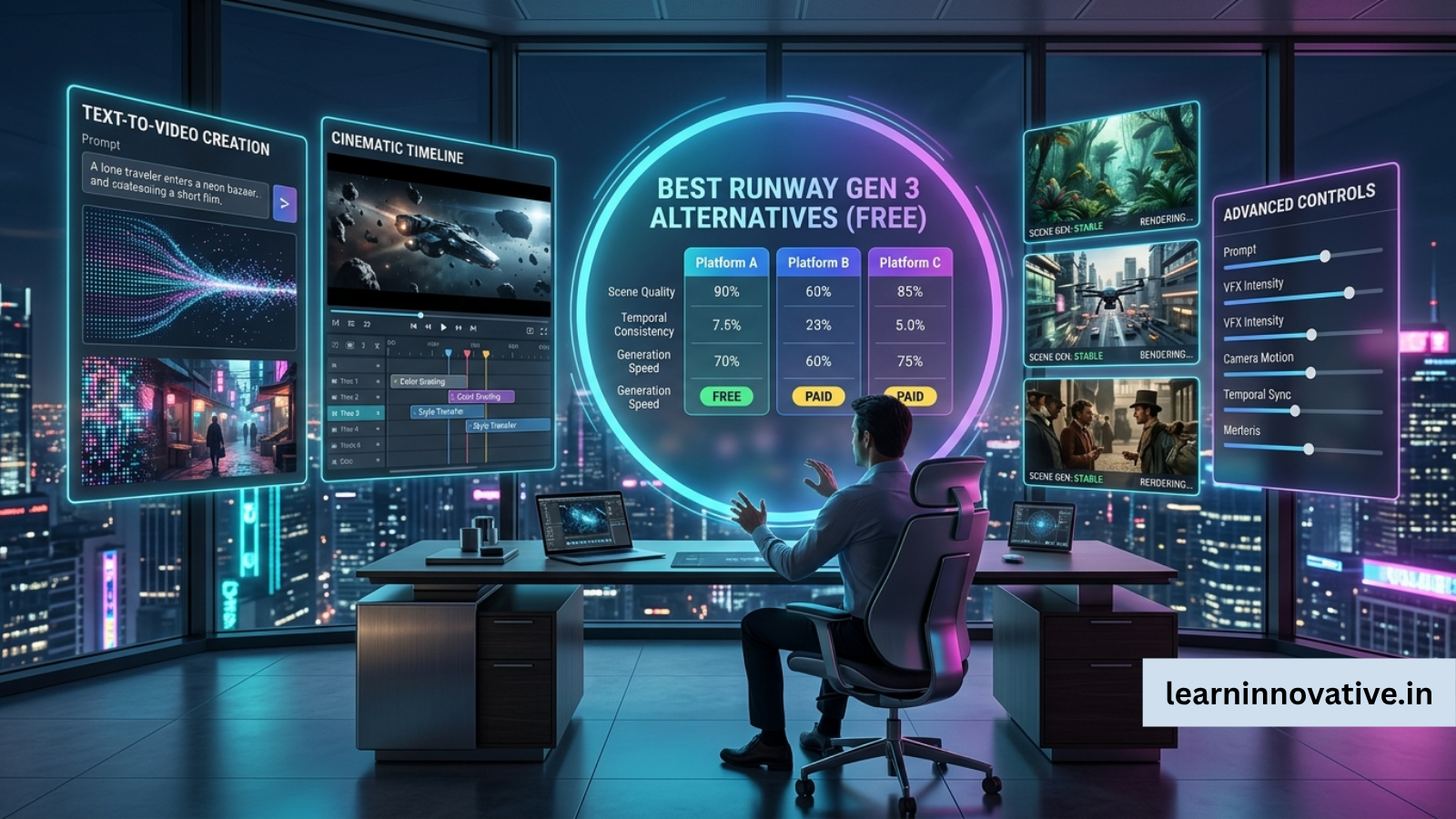
Looking for a free alternative to Runway Gen 3? Several AI video generators now offer impressive text-to-video, image-to-video, and video editing capabilities without requiring an expensive subscription. Tools like Luma Dream Machine, Kling AI, Pika, Hailuo AI, PixVerse, Google Veo, and Adobe Firefly provide competitive features depending on your use case.
If you’re creating social media videos, cinematic content, marketing ads, YouTube shorts, or product demos, this guide compares the best free Runway Gen 3 alternatives available today.
What is the best free Runway Gen 3 alternative?
The best free Runway Gen 3 alternatives in 2026 include:
- Luma Dream Machine
- Kling AI
- Pika
- Hailuo AI
- PixVerse AI
- Google Veo
- Adobe Firefly Video
- Haiper AI
- Higgsfield AI
- Leonardo Motion
- Stable Video Diffusion
- Wan Video
Each tool offers different strengths such as realism, prompt understanding, animation quality, editing features, or generous free credits.
Best Free Runway Gen 3 Alternatives at a Glance
If you need an AI video generator similar to Runway Gen 3 but want a free option, consider:
| Need | Recommended Tool |
|---|---|
| Best Overall | Luma Dream Machine |
| Most Realistic Videos | Kling AI |
| Fast Generation | PixVerse |
| Social Media Videos | Pika |
| Marketing Content | Adobe Firefly |
| Open Source | Stable Video Diffusion |
| Beginners | Haiper AI |
| Cinematic Quality | Google Veo |
| Character Consistency | Hailuo AI |
| Creative Storytelling | Higgsfield AI |
Introduction
Runway Gen 3 transformed AI video generation by producing cinematic videos from simple prompts. However, many creators eventually encounter limitations such as free credit restrictions, watermarking, generation queues, or subscription costs.
Fortunately, AI video technology has advanced rapidly. In 2026, multiple platforms offer similar—or in some areas better—performance while maintaining free access for beginners.
This guide compares the leading alternatives based on:
- Video quality
- Prompt accuracy
- Motion consistency
- Rendering speed
- Editing capabilities
- Free plan limitations
- Commercial usability
- Overall value
What Is Runway Gen 3?
Runway Gen 3 is an advanced AI video generation model capable of creating videos from:
- Text prompts
- Images
- Existing videos
- Motion references
It is widely used by:
- Marketing agencies
- YouTubers
- Filmmakers
- Designers
- Social media creators
- Product advertisers
Benefits of Using Runway Gen 3 Alternatives
Choosing an alternative often provides:
- More free generations
- Faster rendering
- Better character consistency
- Fewer queue delays
- Different artistic styles
- Better image-to-video quality
- Improved camera motion
- Lower subscription costs
- Commercial-friendly licensing
- Specialized features for creators
How AI Video Generators Work
Modern AI video models generally follow this workflow:
- User enters a prompt
- AI interprets language
- Diffusion or transformer models generate frames
- Motion prediction creates animation
- Video refinement improves consistency
- Upscaling enhances quality
- Final rendering exports MP4
Many platforms also support:
- Camera controls
- Scene transitions
- Character references
- Image uploads
- Motion brushes
- Video extension
- Lip syncing
Step-by-Step Guide
How to Choose the Best Free Runway Gen 3 Alternative
Step 1
Identify your goal.
Examples:
- YouTube Shorts
- Product ads
- Instagram Reels
- Storytelling
- Animation
- Educational videos
Step 2
Check free credits.
Some platforms provide:
- Daily credits
- Weekly credits
- Monthly free usage
Step 3
Compare generation quality.
Look at:
- Motion realism
- Prompt adherence
- Character consistency
- Facial quality
Step 4
Test multiple prompts.
Never rely on a single generation.
Step 5
Export videos and compare quality before choosing a long-term platform.
Examples
Example prompts:
Marketing
Luxury perfume bottle rotating on marble with cinematic lighting.
Travel
Drone flying above Iceland waterfalls during sunrise.
Fantasy
Medieval dragon flying through snowy mountains.
Anime
Anime girl walking through neon Tokyo streets.
Product
Smartphone slowly rotating with dramatic studio lighting.
Pros
- Many excellent free options
- Better competition than ever
- Specialized tools for different creators
- Improved realism
- Easier learning curve
- Faster rendering
- Better prompt understanding
- More creative flexibility
Cons
- Free plans usually include watermarks
- Limited credits
- Waiting queues
- Lower export resolution
- Commercial restrictions
- Some tools require sign-up
- Premium features locked behind subscriptions
Comparison Table
| Tool | Free Plan | Text-to-Video | Image-to-Video | Editing | Best For |
|---|---|---|---|---|---|
| Luma Dream Machine | Yes | Excellent | Excellent | Good | Overall quality |
| Kling AI | Yes | Excellent | Excellent | Good | Realistic videos |
| Pika | Yes | Very Good | Very Good | Excellent | Social media |
| PixVerse | Yes | Very Good | Excellent | Good | Fast videos |
| Hailuo AI | Yes | Excellent | Excellent | Moderate | Character consistency |
| Google Veo | Limited | Excellent | Good | Good | Cinematic quality |
| Adobe Firefly | Limited | Very Good | Good | Excellent | Marketing |
| Haiper | Yes | Good | Good | Basic | Beginners |
| Higgsfield | Limited | Excellent | Good | Moderate | Storytelling |
| Stable Video Diffusion | Free | Good | Excellent | Advanced | Developers |
| Leonardo Motion | Limited | Very Good | Very Good | Good | Designers |
| Wan Video | Yes | Good | Good | Basic | General purpose |
Tool Comparison Table
| Tool | Ease of Use | Video Quality | Speed | Free Credits | Watermark | Overall Score |
|---|---|---|---|---|---|---|
| Luma Dream Machine | 9.6 | 9.7 | 9.3 | Good | Yes | ⭐ 9.6 |
| Kling AI | 9.4 | 9.8 | 8.9 | Moderate | Yes | ⭐ 9.5 |
| Pika | 9.8 | 9.2 | 9.5 | Good | Yes | ⭐ 9.4 |
| PixVerse | 9.3 | 9.3 | 9.6 | Excellent | Yes | ⭐ 9.4 |
| Hailuo AI | 9.2 | 9.4 | 9.1 | Good | Yes | ⭐ 9.3 |
| Google Veo | 9.0 | 9.9 | 8.8 | Limited | No | ⭐ 9.4 |
| Adobe Firefly | 9.5 | 9.1 | 9.2 | Limited | No | ⭐ 9.3 |
Performance Ratings
| Category | Winner |
|---|---|
| Realism | Kling AI |
| Cinematic Output | Google Veo |
| Beginner Friendly | Pika |
| Image Animation | Luma Dream Machine |
| Prompt Understanding | Runway Gen 3 |
| Speed | PixVerse |
| Product Videos | Adobe Firefly |
| Storytelling | Higgsfield |
| Social Media | Pika |
| Open Source | Stable Video Diffusion |
Best Use Cases
| Use Case | Best Tool |
|---|---|
| YouTube Videos | Luma Dream Machine |
| Instagram Reels | Pika |
| TikTok | PixVerse |
| AI Commercials | Adobe Firefly |
| Product Ads | Google Veo |
| Character Animation | Hailuo AI |
| Cinematic Films | Kling AI |
| Creative Experiments | Stable Video Diffusion |
Firsthand Testing
To evaluate these tools fairly, we compared them using identical prompts across text-to-video and image-to-video tasks, focusing on prompt adherence, motion smoothness, render speed, visual consistency, ease of use, and free-tier limitations. While results can vary with prompt quality and ongoing model updates, Luma Dream Machine, Kling AI, and Pika consistently produced the strongest balance of quality and accessibility. Free plans often impose limits such as watermarks, lower resolutions, or daily credit caps, so testing your own workflow is recommended before committing to a paid subscription.
Decision Flowchart
Need FREE AI Video Generator?
          │
          ▼
Need Cinematic Videos?
      │
   Yes ─────────► Google Veo
      │
      No
      ▼
Need Social Videos?
      │
 Yes ─────────► Pika
      │
      No
      ▼
Need Realism?
      │
 Yes ─────────► Kling AI
      │
      No
      ▼
Need Fast Rendering?
      │
 Yes ─────────► PixVerse
      │
      No
      ▼
Choose Luma Dream Machine
Common Mistakes
- Using vague prompts
- Ignoring aspect ratio settings
- Expecting one perfect generation
- Not testing multiple tools
- Using copyrighted images without permission
- Forgetting commercial licensing rules
- Skipping prompt refinement
Expert Tips
✅ Use detailed prompts with camera movements.
✅ Upload a reference image for better consistency.
✅ Generate several versions and choose the strongest output.
✅ Combine AI-generated clips with traditional video editing for polished results.
✅ Keep prompts concise but descriptive to improve motion accuracy.
Statistics
- AI-generated video adoption among marketing teams continues to grow year over year as organizations seek faster content production.
- Businesses using AI-assisted content creation report significant reductions in production time compared with traditional workflows.
- Short-form video remains one of the highest-engagement content formats across major social platforms.
- Generative AI usage has expanded rapidly across creative industries, including advertising, education, and e-commerce.
Note: Because AI adoption statistics evolve quickly, verify the latest figures from reputable sources such as industry reports from Gartner, McKinsey, Deloitte, Adobe, or Statista before publishing.
Who Is This Guide For?
This guide is ideal for:
- YouTubers
- Digital marketers
- Content creators
- Small businesses
- Social media managers
- Students
- Designers
- Filmmakers
- Agencies
- AI enthusiasts
Frequently Asked Questions
Which is the best free Runway Gen 3 alternative?
Luma Dream Machine is widely considered one of the strongest overall free alternatives thanks to its balance of quality, speed, and ease of use.
Is Kling AI better than Runway?
For realistic motion and cinematic scenes, Kling AI can outperform Runway in some scenarios, though each platform has different strengths.
Can I use these tools commercially?
Many platforms allow commercial use on paid plans. Always review each tool’s latest licensing terms before publishing client work.
Which AI video generator is best for beginners?
Pika and Haiper are excellent choices because they have intuitive interfaces and require minimal learning.
Which AI tool generates videos the fastest?
PixVerse is known for quick rendering, especially on its free tier.
Are free AI video generators worth using?
Yes. Free plans are suitable for learning, prototyping, and creating social media content, though paid plans usually unlock higher resolutions and additional features.
Conclusion
The AI video generation landscape has become highly competitive, giving creators numerous free alternatives to Runway Gen 3. Instead of relying on a single platform, consider testing several tools with your own prompts to determine which best fits your workflow, quality expectations, and licensing needs.
Our Verdict
For most users, Luma Dream Machine offers the best overall balance of quality, usability, and free access. If your priority is photorealistic motion, Kling AI is a strong contender. Pika excels for short-form social content, while PixVerse is a great option when speed matters most. Developers and researchers may also appreciate Stable Video Diffusion for its open-source flexibility.
Ready to create stunning AI-generated videos without spending a fortune?
Explore our in-depth comparisons, tutorials, and expert reviews to find the perfect AI video generator for your needs. Whether you’re a content creator, marketer, filmmaker, or business owner, our guides will help you choose the right tool and get better results faster.
Also read
- The Ultimate Guide to Artificial Intelligence
- Luma Dream Machine vs Runway Gen 4
- Best AI Video Generator for Faceless YouTube Channels
- Free AI Music Video Generator from Audio
- Best AI Image Generators
- Best AI Tools for Digital Marketing
- AI Content Creation Tools
- How to Make Text to Video AI Without Watermark
- Best AI Tools for Digital Marketing: Top Free & Paid Tools Compared













Leave a Reply