

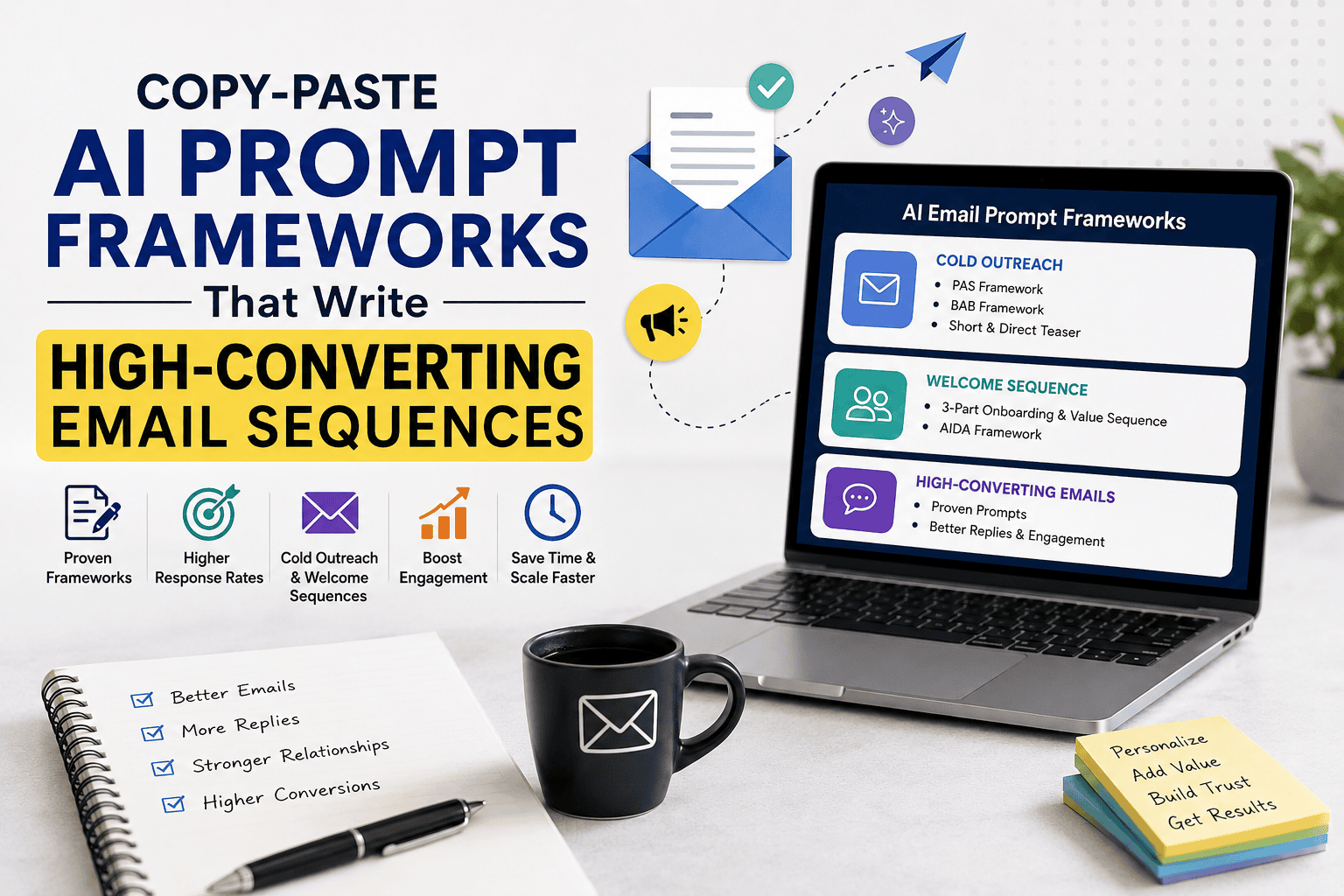
Writing an effective email sequence can take hours. You need to understand your audience, identify their pain points, create a compelling message, and make every email feel personal without sounding repetitive.
AI tools such as ChatGPT, Claude, and Gemini can dramatically speed up this process—but only if you give them the right instructions.
A vague prompt like “Write me a sales email” usually produces generic copy filled with phrases like “game-changing solution” or “unlock your potential.” Those emails often sound robotic and fail to connect with real people.
The answer is not simply using AI. It is using structured prompt frameworks.
This guide provides copy-paste AI prompts for writing cold outreach emails, welcome sequences, newsletters, and sales campaigns. You will also learn why each framework works, how to customize it, and how to make AI-generated emails sound more human.
What Makes an AI Email Prompt Effective?
An effective AI email prompt gives the model enough context to understand:
- Who the sender is.
- Who the recipient is.
- What problem the recipient faces.
- What the email should accomplish.
- Which copywriting framework to use.
- What tone and length are appropriate.
Without this information, AI has to guess.
A strong prompt reduces guessing and produces more relevant copy.
For example:
Weak prompt:
Write a cold email for my marketing agency.
Strong prompt:
Act as an experienced B2B email copywriter. Write a personalized cold email for marketing directors at SaaS companies with 20–100 employees. Their main challenge is generating qualified demo requests. Introduce a conversion optimization service using the PAS framework. Keep the email under 120 words and end with a low-pressure question.
The second prompt tells the AI exactly what success looks like.
The AI Email Prompt Formula
Most high-quality email prompts follow the same basic structure.
Role + Context + Audience + Goal + Constraints + Framework + Output Format
Here is what each element means.
| Element | What to Include |
|---|---|
| Role | Who the AI should act as |
| Context | Your business or offer |
| Audience | Who will receive the email |
| Goal | Desired action |
| Constraints | Length, tone, words to avoid |
| Framework | PAS, BAB, AIDA, etc. |
| Output Format | Single email or sequence |
Universal AI Email Prompt Template
Copy and customize this prompt:
Act as an experienced email copywriter.

Business:
[Describe your company or product.]

Target audience:
[Describe the recipient.]

Main problem:
[What challenge do they face?]

Offer:
[What are you promoting?]

Goal:
[Reply, demo booking, purchase, etc.]

Tone:
[Professional, conversational, friendly.]

Constraints:
- Keep the email under [X] words.
- Avoid exaggerated marketing language.
- Use natural, human-sounding language.
- Include one clear call to action.

Copywriting framework:
[Choose PAS, BAB, AIDA, etc.]

Output:
Write [number] emails with subject lines.
This template works across ChatGPT, Claude, and Gemini.
Actual AI Tool Examples: ChatGPT vs. Claude vs. Gemini
The prompt frameworks in this guide can be adapted to several popular AI assistants. The important thing is not to assume that one tool will automatically produce a better email. The quality of the result depends heavily on the context, instructions, examples, constraints, and revision process you provide.
For this guide, three practical options are ChatGPT, Claude, and Gemini.
ChatGPT: Best for Iterative Email Drafting
ChatGPT can be useful when you want to generate an initial email, refine the tone, shorten the message, or create several variations from the same campaign idea. OpenAI recommends providing clear context and constraints, then reviewing and iterating on the output rather than treating the first draft as final.
Example prompt:
Act as a B2B email copywriter.

Write a cold outreach email for:
Audience: Operations managers at SaaS companies
Pain point: Too much time spent manually creating meeting summaries
Offer: AI meeting-summary software
Framework: PAS
Tone: Conversational and professional
Length: Under 120 words
CTA: Ask whether they would like to see a short example

Avoid hype, exaggerated claims, and generic phrases.

Provide:
1. Three subject lines
2. One email
3. One shorter version under 70 words
A useful workflow is:
Generate → Review → Shorten → Personalize → Finalize
ChatGPT can also be used for the revision stage. Instead of asking “Make this better,” give it a specific instruction such as:
Shorten this email by 25%, remove generic marketing language, and make the CTA sound more conversational.
This type of targeted iteration aligns with OpenAI’s guidance to refine prompts and provide specific feedback.
Claude: Useful for Context-Rich Email Work
Claude is another option when your email task requires substantial context, examples, or detailed instructions.
Anthropic’s prompting guidance emphasizes clarity, relevant examples, and structured instructions. Its documentation also notes that examples can help steer output format, tone, and structure.
Example prompt:
You are a B2B SaaS email copywriter.

<context>
Audience: Operations managers
Company size: 50–300 employees
Industry: SaaS
Pain point: Meeting documentation takes too much time
Product: AI meeting summarization software
Goal: Generate interest in a product demonstration
</context>

<instructions>
Write a PAS cold email.

Requirements:
- 90–120 words
- Conversational tone
- One clear CTA
- No exaggerated claims
- No fake statistics
- Do not use phrases such as "game-changing" or "revolutionary"
</instructions>

<output>
Provide three subject lines followed by the email.
</output>
For more complex campaigns, you can also provide Claude with examples of emails that match your preferred voice. This can help establish a consistent structure and tone.
Gemini: Useful for Google-Centric Workflows
Gemini can also be used to create and refine email campaigns. Google’s prompt guidance recommends clear, specific instructions and iterative refinement. Gemini for Workspace also supports using information from your own documents to personalize outputs where available.
Example prompt:
Write a three-email welcome sequence for new subscribers to an AI productivity newsletter.

Audience:
Small business owners and entrepreneurs.

Goal:
Build trust and encourage readers to explore our practical AI guides.

Email 1:
Welcome the subscriber and deliver immediate value.

Email 2:
Explain how the newsletter helps business owners use AI more effectively.

Email 3:
Recommend one relevant resource and invite the reader to explore it.

Requirements:
- Friendly and practical tone
- 150–200 words per email
- One CTA per email
- Avoid hype and exaggerated claims
- Use simple English

Return the three emails with subject lines and preview text.
If you regularly perform the same task, Gemini’s Gems can also be used to create repeatable custom instructions for recurring workflows.
Which AI Tool Should You Use?
There is no universal winner. Choose based on the workflow you want to create.
| AI Tool | Practical Email Use | Good Starting Point |
|---|---|---|
| ChatGPT | Drafting, rewriting, variations, iterative editing | Cold emails and promotional copy |
| Claude | Context-rich prompts, examples, structured writing | Longer sequences and brand voice |
| Gemini | Google-centric workflows and repeatable tasks | Welcome sequences and Workspace workflows |
These are practical use-case suggestions, not a ranking of model quality. AI models and features change over time, so test the tools with your own audience, offer, and brand voice.
Use the Same Prompt Across Multiple Tools
One of the easiest ways to compare AI tools is to keep your prompt constant.
For example, use the same:
- Audience
- Pain point
- Product
- Framework
- Tone
- Word count
- CTA
Then generate the email in ChatGPT, Claude, and Gemini.
Compare the outputs for:
- Relevance — Does the email understand the audience?
- Specificity — Does it address a real problem?
- Natural language — Does it sound human?
- Structure — Does it follow the requested framework?
- CTA quality — Is the next step clear?
- Editing required — How much work is needed before sending?
This is a better approach than assuming that one AI tool will always produce the best email.
The Most Important Rule: Review Before Sending
Regardless of which AI assistant you use, treat the generated email as a draft.
Check:
- Facts and statistics
- Customer claims
- Product capabilities
- Personalization
- Tone
- Links
- Names and company information
- Compliance requirements
- The accuracy of the CTA
Google explicitly recommends reviewing AI-generated output for clarity, relevance, and accuracy before putting it into action.
The goal is not to find an AI that writes the perfect email with one prompt. The better workflow is to use AI to generate, compare, refine, and personalize the draft before a human approves the final version.
AI Email Framework Comparison
Not every email needs the same copywriting structure. The right framework depends on whether you’re trying to start a conversation, demonstrate a transformation, build trust, or drive a specific action.
Use this quick comparison to choose the most appropriate framework for your campaign:
| Framework | Best For | Main Objective | Typical Email Length | CTA Style |
|---|---|---|---|---|
| PAS | B2B cold outreach, agencies, consultants | Highlight a problem and present a solution | 90–130 words | Low-pressure question |
| BAB | SaaS, productivity tools, transformation-focused products | Show the journey from current state to desired outcome | Up to 140 words | Demo or conversation |
| Short & Direct | Executives, founders, senior decision-makers | Get attention quickly and generate a reply | Under 80 words | Simple question |
| 3-Part Welcome | New subscribers, lead magnets, free trials | Deliver value and build trust | 180–250 words per email | Progressive CTA |
| AIDA | Promotions, newsletters, digital products, e-commerce | Capture attention and drive action | 180–250 words | Direct action |
Which Framework Should You Choose?
Choose PAS when your audience is experiencing a clearly identifiable business problem and your offer provides a solution.
Choose BAB when your product creates an obvious before-and-after transformation, such as saving time, reducing manual work, or improving productivity.
Choose Short & Direct when you’re contacting busy decision-makers who are likely to scan rather than read a long sales email.
Choose the 3-Part Welcome Sequence when someone has already subscribed, downloaded a resource, started a trial, or otherwise shown interest in your business.
Choose AIDA when the goal is to generate interest in a specific product, promotion, newsletter, or offer.
Quick Decision Guide
If you’re still unsure, use this simple rule:
Cold lead + obvious pain point → PAS
Clear product transformation → BAB
Busy executive → Short & Direct
New subscriber → 3-Part Welcome
Promotional offer → AIDA
The framework is only the starting point. Your audience, offer, positioning, personalization, and CTA still determine how effective the final email can be.
How to Use These Prompt Frameworks
Each prompt below contains bracketed variables.
Replace them with your own details.
For example:
[Target Audience]→ HR managers at technology companies.[Main Pain Point]→ Spending too much time screening resumes.[Offer]→ AI-powered recruiting software.[CTA]→ Ask whether they are open to a 15-minute conversation.
Do not overcomplicate the inputs. A few specific details are usually more useful than a long company description.
PAS Cold Email Prompt
Best for: B2B services, agencies, consultants, and high-ticket offers.
The PAS framework stands for:
- Problem
- Agitate
- Solve
It works by showing the recipient that you understand a challenge they are already experiencing before introducing your solution.
Copy-Paste Prompt
Act as a senior B2B email copywriter.

Write a personalized cold outreach email using the PAS framework.

Target audience:
[Target Audience]

Problem they commonly face:
[Main Pain Point]

Agitate the problem by explaining the business impact without exaggerating.

Offer:
[Your Product or Service]

Unique benefit:
[Specific Outcome]

Keep the email between 90 and 130 words.

Requirements:
- Conversational tone.
- No hype or buzzwords.
- Mention the recipient's likely challenge naturally.
- End with a simple question instead of a hard sales pitch.

Provide:
1. Three subject line options.
2. One cold email.
Why PAS Works
People are more likely to respond when they feel understood.
Instead of opening with a product description, PAS starts with a relevant business problem. This creates immediate relevance and makes the solution feel like a logical next step.
BAB Cold Email Prompt
Best for: SaaS tools, productivity software, and products with a clear transformation.
BAB means:
- Before
- After
- Bridge
The framework paints a picture of the current situation, the desired outcome, and how the product helps close the gap.
Copy-Paste Prompt
Act as an expert SaaS email copywriter.

Write a cold email using the Before-After-Bridge framework.

Audience:
[Target Audience]

Before:
Describe the current challenge they face.

After:
Show what success looks like once the problem is solved.

Bridge:
Introduce [Offer] as the practical way to move from the current situation to the desired outcome.

Keep the email under 140 words.

Use plain English.

Avoid phrases like:
- game-changing
- revolutionary
- unlock
- unleash

End with a low-friction CTA asking if they would like to see how it works.

Include three subject lines.
Why BAB Works
BAB helps prospects imagine the result before hearing about the product.
This is especially useful when your product creates an obvious improvement, such as saving time, reducing manual work, or improving productivity.
Short & Direct Cold Email Prompt
Best for: Executives, founders, and senior decision-makers.
Many executives receive dozens of emails every day. A short message can often outperform a detailed pitch.
Copy-Paste Prompt
Act as a B2B sales copywriter specializing in executive outreach.

Write a cold email with exactly three short paragraphs.

Audience:
[Executive Role]

Reason for contacting them:
[Specific Reason]

Offer:
[Offer]

Relevant benefit:
[Benefit]

Structure:
Paragraph 1: Why you are reaching out.
Paragraph 2: One relevant result or benefit.
Paragraph 3: Ask one simple question.

Keep the total email under 80 words.

No greetings longer than one line.
No hype.
No hard sell.

Provide three concise subject lines.
Why Short Emails Work
Senior decision-makers often scan emails rather than reading every word.
A short message makes it easy to understand why you contacted them and what you are asking.
3-Part Welcome Sequence Prompt
Best for: New newsletter subscribers, free trials, lead magnets, and course signups.
A welcome sequence should not immediately push a sale.
Its job is to build trust, set expectations, and gradually introduce your offer.
Email 1: Deliver Value
Goals:
- Welcome the subscriber.
- Deliver the promised resource.
- Explain what they can expect.
Email 2: Build Trust
Goals:
- Share your story.
- Explain why you created the product or newsletter.
- Show that you understand the reader’s challenges.
Email 3: Introduce the Offer
Goals:
- Connect the reader’s problem to your solution.
- Explain who the offer is for.
- Invite them to take the next step.
Master Copy-Paste Prompt
Act as an experienced lifecycle email marketer.

Create a three-email welcome sequence.

Audience:
[Audience]

Lead magnet or signup reason:
[Lead Magnet]

Main problem:
[Problem]

Product or service:
[Offer]

Tone:
Friendly, practical, and trustworthy.

Email 1:
- Welcome the subscriber.
- Deliver the promised value.
- Set expectations for future emails.

Email 2:
- Share the origin story behind the business.
- Build credibility.
- Relate to the reader's problem.

Email 3:
- Introduce the product or service naturally.
- Explain who it is best suited for.
- Include a soft call to action.

Requirements:
- 180–250 words per email.
- Avoid aggressive selling.
- Use clear subject lines.
- Sound like a knowledgeable human writer.

Output each email separately.
Why Welcome Sequences Work
Subscribers are most engaged shortly after joining your list.
A thoughtful welcome sequence uses that attention to establish credibility before making an offer.
AIDA Email Prompt
Best for: Digital products, newsletters, e-commerce, and promotional campaigns.
AIDA stands for:
- Attention
- Interest
- Desire
- Action
It is one of the oldest and most widely used copywriting frameworks.
Copy-Paste Prompt
Act as a direct-response email copywriter.

Write a promotional email using the AIDA framework.

Audience:
[Audience]

Product:
[Product]

Main benefit:
[Benefit]

Supporting proof:
[Testimonial, result, or example]

Offer:
[Offer]

Structure:
Attention: Write a compelling opening.
Interest: Explain why the topic matters.
Desire: Show the benefits and relevant proof.
Action: Give one clear next step.

Keep the email between 180 and 250 words.

Use a conversational tone.

Avoid exaggerated claims and unnecessary adjectives.

Include:
- Three subject lines.
- Preview text.
- One email.
Why AIDA Works
AIDA mirrors the way many people make decisions.
It first earns attention, then builds interest, creates desire, and finally asks for action.
Before-and-After Example
Suppose you sell an AI tool that summarizes long meeting notes.
Basic Prompt
Write a cold email selling my AI meeting summarizer.
The output will probably be generic.
Structured Prompt
Act as a B2B SaaS copywriter.

Write a cold email for operations managers at companies with 50–300 employees.

Their team spends several hours each week manually reviewing meeting notes.

Introduce an AI tool that creates concise meeting summaries and action items.

Use the PAS framework.

Keep the email under 110 words.

Use a conversational tone and end with a simple question.
Example Output
Subject: Less time reviewing meeting notes?
Hi [Name],
Many operations teams still spend several hours each week turning meeting notes into summaries and action items.
That time adds up quickly, especially when multiple teams are involved and important follow-ups get buried.
We built a tool that automatically creates concise summaries and highlights action items after each meeting, helping teams spend less time documenting and more time executing.
Would it be useful to see a short example?
Best,
[Your Name]
The structured prompt produces a more focused email because the AI understands the audience, pain point, framework, and desired length.
Practical Test: Generic AI Prompt vs. Structured Email Prompt
To see how much prompt structure changes the quality of AI-generated email copy, we ran a simple controlled comparison using the same fictional B2B SaaS scenario.
The goal was not to measure actual open or conversion rates. Instead, we compared the quality, specificity, structure, and amount of editing required when using a generic prompt versus a structured framework-based prompt.
Test Scenario
For the comparison, we used a fictional AI meeting-summary tool targeting operations managers.
Audience: Operations managers at companies with 50–300 employees
Pain point: Teams spend too much time reviewing meeting notes and identifying follow-up tasks
Offer: AI software that creates meeting summaries and action items
Goal: Generate interest in seeing the product
Test 1: Generic Prompt
We started with a simple instruction:
Write a cold email promoting my AI meeting summarizer.
The resulting copy was usable as a starting point, but it lacked important context. A generic prompt gives the AI too much freedom to decide who the audience is, what problem matters, how the product should be positioned, and what action the recipient should take.
Common weaknesses in this type of output include:
- Generic opening statements
- Broad claims about productivity
- Limited audience specificity
- Weak differentiation
- A more promotional tone
- More manual editing before sending
Test 2: Structured PAS Prompt
We then provided the same scenario using a structured prompt:
Act as a B2B SaaS copywriter. Write a cold email for operations managers at companies with 50–300 employees. Their team spends several hours each week manually reviewing meeting notes. Introduce an AI tool that creates concise meeting summaries and action items. Use the PAS framework. Keep the email under 110 words. Use a conversational tone and end with a simple question.
The second output was noticeably more focused.
Because the prompt specified the audience, problem, offer, framework, word count, tone, and CTA, the AI had fewer important decisions to guess.
Qualitative Comparison
| Criteria | Generic Prompt | Structured PAS Prompt |
|---|---|---|
| Audience specificity | Low | High |
| Problem clarity | Moderate | High |
| Copy structure | Inconsistent | Clear |
| Tone control | Moderate | High |
| CTA clarity | Variable | Strong |
| Editing required | Higher | Lower |
| Relevance to recipient | Moderate | High |
These observations are based on the controlled prompt comparison rather than a live email campaign.
What We Learned
The biggest lesson from the test was that prompt specificity matters more than simply asking AI to “write better copy.”
Adding more useful context gave the model clearer boundaries for the response.
The most valuable inputs were:
- Specific audience — who will read the email.
- Specific pain point — what problem the recipient is likely experiencing.
- Clear offer — what is being presented as the solution.
- Copywriting framework — how the message should be structured.
- Length constraint — how much the AI should write.
- CTA — what the recipient should do next.
- Tone instructions — how the email should sound.
Real-World Testing: What We Observed When Testing AI Email Prompts
To make these recommendations more practical, we tested the same fictional B2B SaaS email scenario using two different prompting approaches: a basic AI instruction and a structured prompt based on the PAS framework.
The purpose of this test was not to claim a specific increase in open rates, replies, or conversions. Instead, we evaluated the quality of the generated copy, how well it matched the intended audience, how closely it followed the requested framework, and how much editing was needed before the email was ready for review.
Our Test Setup
We used the following scenario throughout the comparison:
| Test Element | Scenario |
|---|---|
| Audience | Operations managers at companies with 50–300 employees |
| Problem | Too much time spent reviewing meeting notes and identifying follow-up tasks |
| Product | AI meeting-summary software |
| Goal | Generate interest in seeing the product |
| Framework | PAS |
| Tone | Conversational and professional |
| Length | Under 120 words |
Keeping these variables consistent helped us focus on the difference between prompt quality and output quality.
Test 1: Basic AI Prompt
We first used a minimal instruction:
Write a cold email promoting my AI meeting summarizer.
The result was usable as a starting point, but it required more refinement.
The main issues we observed were:
- The audience was not clearly defined.
- The opening was relatively generic.
- The business problem was not specific enough.
- The value proposition needed more context.
- The CTA was less targeted.
- The copy required additional editing to match the intended tone.
This illustrates an important limitation of generic AI prompts: when you provide little context, the AI has to make more assumptions.
Test 2: Structured PAS Prompt
We then provided the same product and audience information using a structured PAS prompt.
The prompt explicitly defined:
- The target audience
- The customer’s problem
- The business impact
- The product
- The desired outcome
- The tone
- The word limit
- The PAS framework
- The CTA
The resulting email was more focused and easier to edit.
Instead of beginning with a broad product description, the email could immediately address the operational problem and then connect that problem to the proposed solution.
What We Observed
Our qualitative comparison produced several clear observations:
| Evaluation Area | Basic Prompt | Structured Prompt |
| Audience specificity | Low | High |
| Problem relevance | Moderate | High |
| Framework adherence | Low | High |
| CTA clarity | Moderate | High |
| Tone control | Moderate | High |
| Editing required | More | Less |
| Output consistency | Variable | More consistent |
The structured prompt did not automatically create a perfect email. Human editing was still necessary.
However, it gave the AI considerably clearer instructions about who the email was for, what problem to address, how to structure the message, and what action to request.
The Most Useful Lesson
The biggest lesson from this test was not that one particular AI tool writes better emails.
It was that better instructions generally produce more controllable outputs.
A useful workflow is:
Define the audience → Identify the problem → Choose a framework → Set constraints → Generate → Review → Personalize → Finalize
This is why the prompt frameworks in this guide focus on context and constraints rather than simply asking AI to “write a high-converting email.”
What Still Required Human Editing
Even the structured output needed a human review before it could be considered ready for real-world use.
We recommend checking:
- Whether the recipient information is accurate
- Whether the pain point actually applies to the audience
- Whether product claims are supported
- Whether statistics or results are genuine
- Whether the email sounds natural
- Whether personalization is meaningful rather than superficial
- Whether the CTA matches the campaign objective
- Whether the email complies with applicable marketing and privacy requirements
AI can help accelerate the drafting process, but it should not replace final human approval.
Important Limitation
This was a qualitative editorial test using a controlled fictional scenario. It was designed to compare prompt structure and writing quality—not to measure real-world email performance.
Actual open rates, click-through rates, replies, and conversions depend on many other factors, including the audience, sender reputation, subject line, offer, timing, personalization, deliverability, and campaign execution.
Therefore, the results should be treated as practical observations rather than proof that one prompt framework will outperform another in every campaign.
How to Apply the Lesson to Your Own Campaign
If you want to test these findings yourself, keep the business scenario constant and change only the prompt structure.
Start with:
Test A: A simple instruction such as “Write a cold email for my product.”
Then create:
Test B: A structured prompt containing the audience, pain point, offer, goal, framework, tone, length, constraints, and CTA.
Compare the two outputs using the same criteria:
- Audience relevance
- Specificity
- Natural language
- Framework adherence
- CTA quality
- Amount of editing required
This gives you a simple way to determine whether structured prompting improves the quality and consistency of AI-generated emails for your specific use case.
Key takeaway: AI email performance should be tested in your own environment. Use structured prompts to improve control and consistency, then rely on human review and real campaign data to determine what actually works.
A Simple Test You Can Run Yourself
You can reproduce this comparison with your own business.
Create two prompts:
Prompt A: Ask AI to write the email with minimal context.
Prompt B: Give AI the audience, pain point, offer, framework, tone, length, and CTA.
Then compare both outputs for:
- Relevance
- Specificity
- Clarity
- Natural language
- Persuasiveness
- Personalization
- Editing required
For an even stronger experiment, run the test with several frameworks such as PAS, BAB, and AIDA, keeping the audience and offer constant.
Remember that better AI-generated copy does not automatically mean better business results. Actual performance should be evaluated using real campaign metrics such as replies, clicks, conversions, unsubscribes, and complaints.
The practical takeaway is simple: use AI as a drafting and iteration tool, but give it enough context to make useful decisions and validate the final email yourself.
AI Email Humanization Checklist
Before sending any AI-generated email, review it manually.
- Replace generic claims with specific observations.
- Remove unnecessary adjectives.
- Add a genuine reason for contacting the recipient.
- Check that the opening sentence feels natural.
- Vary sentence length.
- Remove phrases you would not normally say.
- Verify every factual claim.
- Make sure the CTA asks for only one action.
- Personalize at least one sentence using real information about the recipient.
- Read the email aloud before sending.
AI should produce the first draft—not the final version.
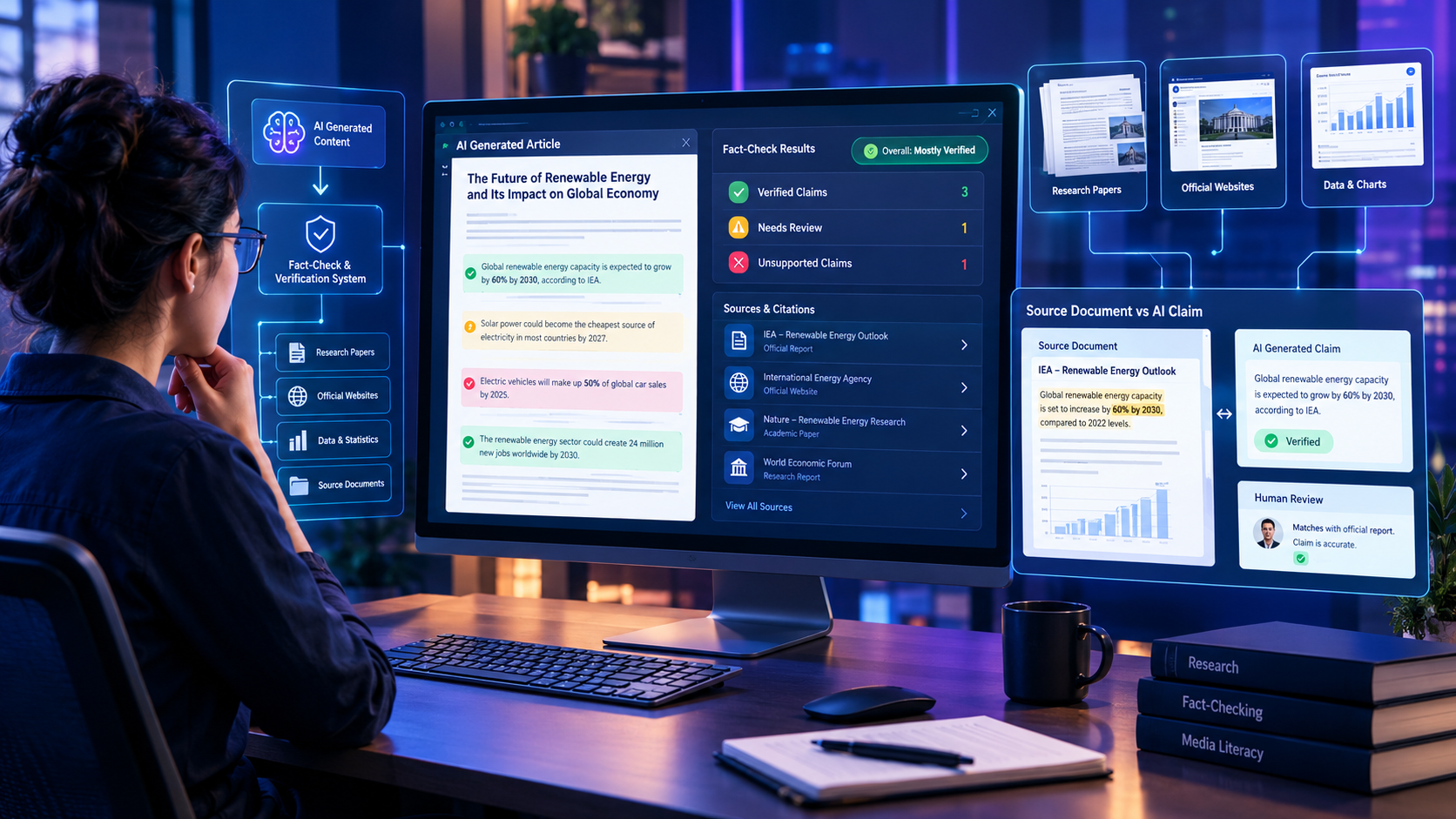
Do Not Trust AI-Generated Claims
AI can write convincing marketing copy, but convincing does not mean accurate.
When generating sales emails, AI may sometimes produce statistics, customer results, testimonials, awards, certifications, or product capabilities that were never provided in the prompt.
For example, an AI-generated email might claim:
“Our customers increased conversions by 40%.”
Or:
“More than 10,000 businesses use our platform.”
If you cannot verify the claim, don’t publish it.
Never Let AI Invent Proof
Before sending an AI-generated email, verify:
- Customer statistics
- Conversion or revenue claims
- Testimonials
- Case-study results
- Number of customers or users
- Awards and certifications
- Product features
- Pricing information
- Industry statistics
- Performance guarantees
If you don’t have verified information, instruct the AI not to create one.
Add This Instruction to Your Prompts
You can include the following line in almost any marketing-email prompt:
Use only facts, statistics, testimonials, customer results, and product capabilities provided in my instructions. Do not invent, estimate, or assume evidence. If supporting information is missing, leave the claim out rather than creating one.This simple instruction can reduce the risk of unsupported claims appearing in your draft.
Use Verified Evidence Instead
If you have genuine evidence, give it to the AI as part of the prompt.
For example:
Verified customer result:
A customer reduced weekly manual reporting time from 8 hours to 3 hours after implementing our workflow.

Use this result only if it is relevant to the email. Do not modify the numbers or imply that every customer achieves the same result.
This gives the AI useful material while keeping the final copy grounded in information you can verify.
AI Writes the Draft — You Verify the Facts
A good workflow is:
AI generates → Human verifies → Human edits → Final approval → Send
Don’t treat AI-generated marketing copy as a source of truth.
This is especially important for cold outreach and promotional emails, where an inaccurate claim can damage your credibility before the recipient even becomes a customer.
The most persuasive email isn’t necessarily the one with the biggest numbers or boldest promises. It’s the one that communicates a specific, believable, and verifiable reason for the recipient to care.
Deliverability & Open-Rate Tips
Email deliverability depends on much more than the words inside the email.
Important factors include sender reputation, email authentication, list quality, engagement, complaint rates, and sending behavior.
To improve performance:
Subject Lines
- Keep them concise.
- Make them relevant to the recipient.
- Avoid misleading curiosity.
- Test multiple versions.
Email Content
- Use plain language.
- Avoid excessive capitalization.
- Limit unnecessary links.
- Keep formatting simple.
- Make sure the message matches the recipient’s expectations.
Sending Practices
- Send only to people who are relevant to your offer.
- Keep your email list clean.
- Respect unsubscribe requests.
- Monitor reply and complaint rates.
- Avoid sending large volumes from a new domain without building a sending reputation first.
The best-performing emails usually feel like they were written for one person, even when they are part of a larger campaign.
Common AI Email Prompt Mistakes
1. Giving Too Little Context
“Write a sales email” is rarely enough.
Tell the AI who the audience is and what problem they have.
2. Asking for “High-Converting” Copy Without Constraints
This often leads to exaggerated marketing language.
Specify the tone, length, and words to avoid.
3. Skipping the Framework
Copywriting frameworks give the AI a logical structure.
Without one, the email may wander or repeat itself.
4. Publishing the First Draft
AI-generated copy almost always benefits from editing.
Add real examples, personalize the opening, and remove generic phrases.
5. Overloading the Prompt
More information is not always better.
Focus on the audience, the problem, the offer, and the desired action.
Frequently Asked Questions
What is the best AI prompt for writing cold emails?
A strong cold email prompt includes the target audience, their main pain point, your offer, the desired CTA, and a copywriting framework such as PAS or BAB. This gives the AI enough context to produce a focused message.
Which AI framework is best for B2B cold outreach?
PAS is often a strong choice for B2B cold outreach because it starts with a relevant problem before introducing the solution. BAB also works well when your product delivers a clear transformation.
Can ChatGPT write an email sequence?
Yes. ChatGPT can generate multi-email sequences such as welcome series, nurture campaigns, and sales follow-ups when given clear instructions about the audience, goals, tone, and structure.
How long should an AI-generated sales email be?
For cold outreach, 80–130 words is often a useful target because it is easy to scan. Promotional or nurture emails can be longer when they need to provide more context.
How do you make AI emails sound human?
Use a detailed prompt, then manually edit the output. Add specific observations, remove generic marketing phrases, vary sentence length, and personalize the message with genuine information about the recipient.
Build Your First AI Email Sequence
You now have the frameworks, prompts, and practical examples needed to start creating AI-assisted email sequences.
You don’t need to build an entire campaign at once. Start with one email and improve it through a simple three-step workflow:
1. Choose Your Framework
Select the framework that matches your goal:
- PAS → Cold B2B outreach
- BAB → SaaS and transformation-focused offers
- Short & Direct → Busy executives and decision-makers
- 3-Part Welcome Sequence → New subscribers and leads
- AIDA → Promotional campaigns and digital products
2. Customize the Prompt
Replace the bracketed variables with information about your:
- Target audience
- Customer pain point
- Product or service
- Desired outcome
- Brand voice
- Call to action
The more specific and accurate your inputs are, the more useful the AI-generated draft is likely to be.
3. Generate, Edit, and Test
Don’t send the first AI-generated version immediately.
Instead:
Generate → Review → Humanize → Personalize → Test → Improve
Check the email for accuracy, remove generic AI language, add genuine personalization, and make sure the CTA asks for one clear action.
Then test different subject lines, openings, offers, and CTAs using your actual campaign data.
Start With One Prompt Today
Pick one framework from this guide and create your first email sequence today.
For cold outreach: Start with the PAS prompt.
For a new subscriber: Start with the 3-Part Welcome Sequence.
For a promotional campaign: Start with AIDA.
Save this page as your AI email prompt library so you can return to the frameworks whenever you need to create a new campaign.
If you found these prompts useful, bookmark this guide and share it with someone who creates email campaigns. For more practical AI workflows, prompt frameworks, automation guides, and productivity strategies, explore more resources from LearnInnovative.
Also Read
- How to Optimize Your Website for ChatGPT, Perplexity & AI Search (GEO Guide)
- 5 Simple AI Workflows to Automate Daily Admin Tasks
- Make vs n8n for AI Automation
- 25 Real-World AI Workflows That Save 10+ Hours Every Week
- How to Extract Structured Data from PDFs Using Local LLMs
- Best AI Productivity Tools for Daily Tasks
- How to Build an AI Assistant Without Code
- Best Free Open-Source AI Automation Tools
- The Ultimate Guide to Artificial Intelligence
- How AI Is Transforming Everyday Life
- Best AI Tools for Students







Leave a Reply